
Shaharyar Javed Ranjah
@shaharyarranjah1Python Trick #5: Debug faster with f"{x=}" | Python Tips for Beginners Typing print('x', x) gets old fast. In…
Python Trick #5: Debug faster with f"{x=}" | Python Tips for Beginners
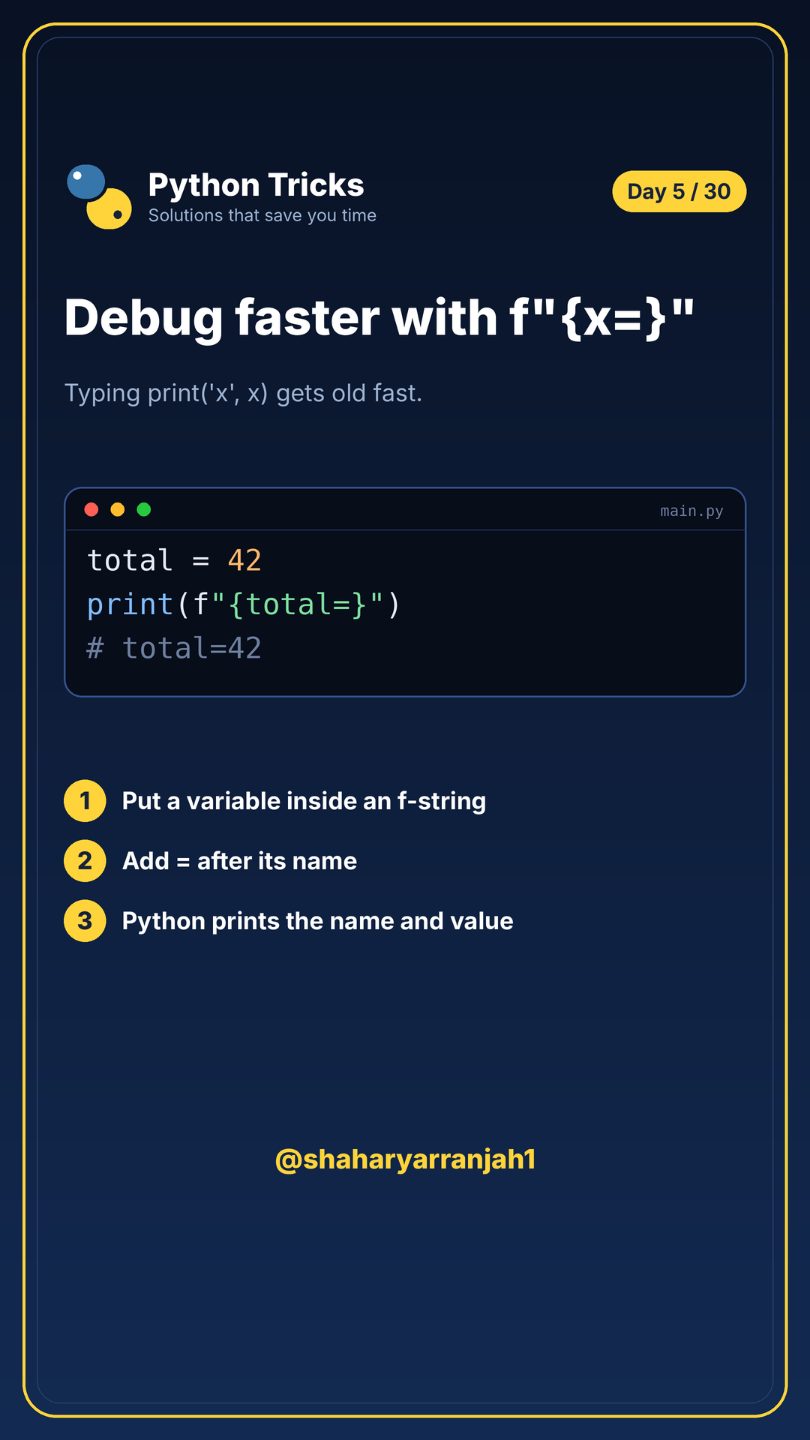
Typing print('x', x) gets old fast. In this Python trick (Day 5 of 30) you will learn: debug faster with f"{x=}". It takes less than a minute to learn, and you can use it in your next project today.
THE CODE
total = 42
print(f"{total=}")
total=42
STEP BY STEP
Put a variable inside an f-string.
Add = after its name.
Python prints the name and value.
WHY IT MATTERS
The f"{x=}" form prints the expression and its value, so quick debugging takes seconds. Great for notebooks and small scripts before you reach for a full debugger.
TRY IT YOURSELF
Copy the code, change the values, and run it in your editor or a Jupyter notebook. Then write a similar example in the comments and I will check it.
THE 30-DAY SERIES
Every day I share one practical Python trick or solution, from beginner to advanced. Subscribe and turn on notifications so you do not miss the next one. This series is part of my Python, Machine Learning, Deep Learning, Computer Vision, Data Science, LLM and GenAI content.
FOLLOW
Instagram / social: @shaharyarranjah1
#Python #PythonProgramming #LearnPython #PythonForBeginners #PythonTips #PythonCheatSheet #Coding #Programming #SoftwareEngineering #DataScience #MachineLearning #ArtificialIntelligence #AI #Developer #CodingTips #ProgrammingTips #Tech #ComputerScience #100DaysOfCode #CodeNewbie #LearnToCode #PythonDeveloper #DataAnalytics #AIEngineer #MachineLearningEngineer #CodingCommunity #CodeWithPython #ShaharyarRanjah #codewithshaharyar